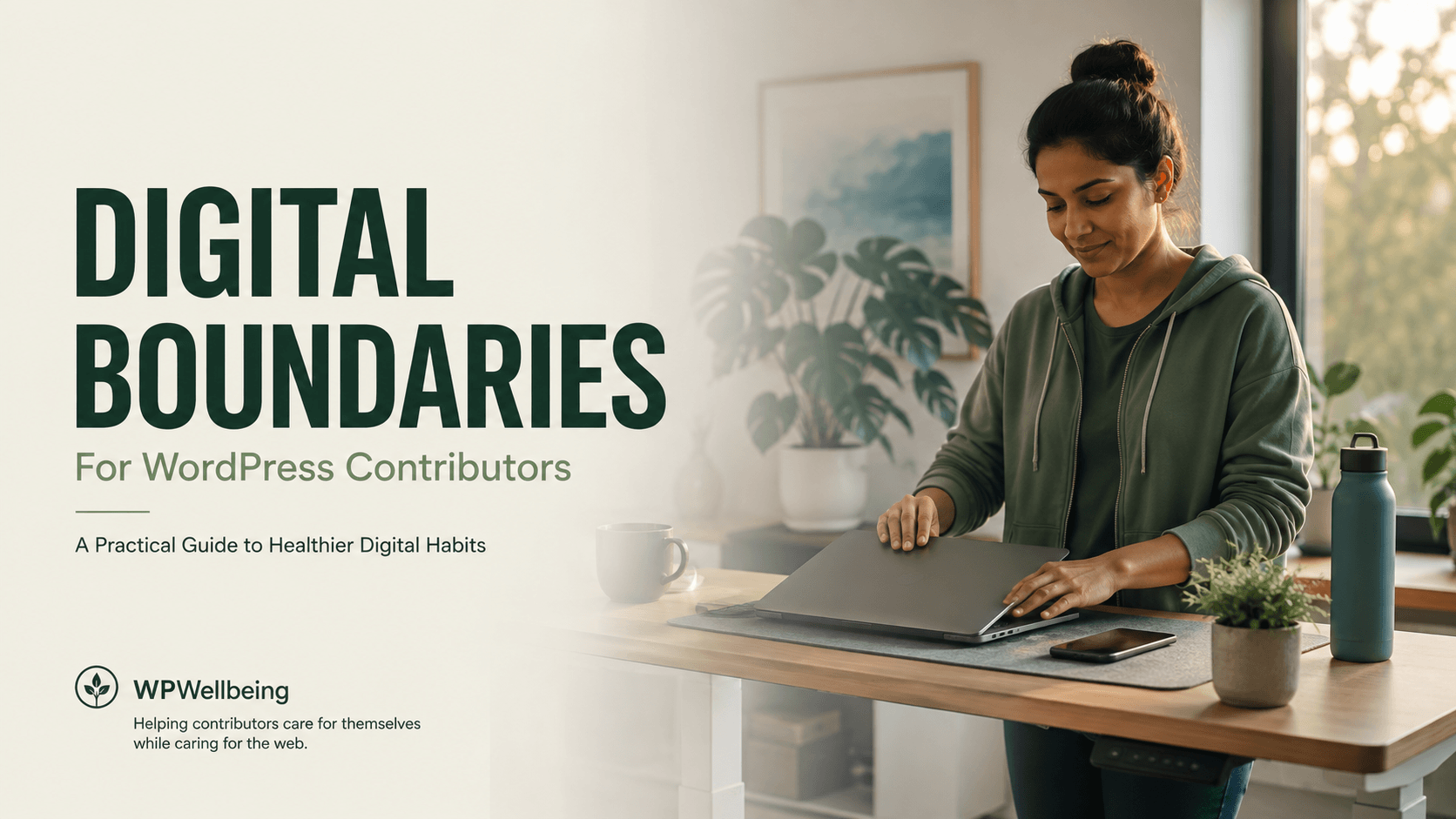
Setting Healthy Digital Boundaries as a WordPress Contributor
By WPWellbeing Team | Category: Contributor Wellbeing | Published: August 10, 2026
Digital boundaries are intentional limits you set on when, where, and how you’re reachable for WordPress contribution work — Slack, Trac tickets, GitHub issues, or community Make P2s. For contributors, healthy boundaries typically mean defined “office hours” for contribution work, muted non-urgent notifications outside those hours, and clear async communication norms with your team. Contributors who set these limits report less burnout and, counterintuitively, more sustained output over time than those who stay “always on.”
Open source work has a structural problem that traditional jobs don’t: there’s no clock-out button.
If you work a regular job, your availability is usually bounded by a contract, a time zone, or a manager who eventually logs off too. WordPress contribution doesn’t work that way. The community spans every time zone. Slack channels never sleep. A Trac ticket you commented on at 9 a.m. might get three replies by lunch, and if you don’t respond, you start to feel like you’re falling behind — even though nobody actually asked you to be online.
This is the core mechanism behind contributor burnout: the absence of a natural stopping point combined with a strong, often self-imposed, sense of obligation. Contributors are usually volunteers, career-driven professionals, or both — which means the motivation to keep showing up is intrinsic, and intrinsic motivation is much harder to switch off than a paycheck-based one.
Add to that the specific mechanics of how WordPress teams communicate — Slack for real-time chat, Trac and GitHub for technical discussion, Make blogs for meeting notes and decisions — and you get a contributor experience defined by fragmented attention across multiple always-open channels. That fragmentation is where notification fatigue and Slack burnout actually come from: not from any single tool, but from the cumulative cognitive load of monitoring several of them at once, indefinitely.
The cost of always being available isn’t just tiredness. It shows up in specific, measurable ways:
This is the pattern behind a well-documented phenomenon in open source communities: contributors don’t usually leave because the work got harder. They leave because the availability got harder to sustain than the work itself.
Digital boundaries aren’t about contributing less — they’re about contributing on terms you control. Here’s what that looks like for a WordPress contributor specifically.
1. Define contribution hours, not just “free time” Instead of a vague intention to “check Slack less,” pick actual hours — for example, 9–11 a.m. on the two days you contribute — and treat that block the way you’d treat a meeting. Outside that window, contribution channels are closed, full stop.
2. Separate urgent from important Most WordPress contribution communication is not urgent, even when it feels that way. A ticket comment can wait a day. A release-blocking bug cannot. Build a personal rule: if it’s not release-blocking or explicitly time-sensitive, it goes in your next scheduled contribution block, not your inbox reflex.
3. Turn off notifications by default, not by exception The default setting on most tools is “notify me about everything.” Flip that. Set Slack and GitHub notifications to digest or mention-only mode, and reserve real-time alerts for the one or two channels where timing genuinely matters (release coordination, security disclosures).
4. Use async-first communication norms WordPress’s contributor culture already leans async — Make P2s exist precisely so decisions don’t require everyone online at once. Lean into that intentionally: default to posting updates on P2 or async threads rather than expecting real-time Slack replies, and encourage your team to do the same.
5. Communicate your boundaries, don’t just enforce them silently A boundary nobody knows about creates friction and misunderstanding. A one-line note in your team channel — “I check contribution channels Tue/Thu mornings; for anything urgent, flag it as such” — sets clear expectations and removes the guesswork (and guilt) on both sides.
6. Build in a genuine end-of-session ritual Closing a laptop isn’t the same as mentally closing a work session. Something as simple as writing a one-line note (“stopped here, pick up at X next time”) gives your brain permission to actually stop, rather than keeping the open loop running in the background all evening.
It’s worth distinguishing remote work boundaries from contributor-specific ones, because the fixes aren’t identical.
In a remote job, your employer has some incentive to protect your hours — burnout is a business cost to them too, and there’s usually a manager, HR policy, or contract defining expectations. In open source, that structural backstop often doesn’t exist. Nobody is formally responsible for protecting a volunteer contributor’s time, which means the boundary-setting responsibility sits almost entirely with the individual.
That’s not a flaw in the WordPress community specifically — it’s a structural feature of most open source projects. But it does mean contributors need to be more deliberate than a typical remote employee would, because there’s no external system doing it for them.
If you want one thing to take away from this article, use this:
Most contributors who struggle with burnout are missing one of these three layers — usually the communication layer, because it feels awkward to state a boundary out loud. It isn’t. Teams generally respect stated boundaries far more than they respect a contributor who silently disappears for weeks because they hit a wall.
Digital boundaries are the specific limits you set on when, how, and through which channels you’re reachable for work or contribution activity — for example, defined hours for checking Slack, or turning off notifications outside a set window.
Common signs include dreading opening Slack, feeling anxious when you see an unread badge, checking channels compulsively outside work hours, and noticing your responses have become shorter or less thoughtful over time.
Yes. Sustainable, well-rested contributors provide more long-term value to a project than burned-out ones who eventually disengage entirely. Most healthy open source teams explicitly encourage boundary-setting for this reason.
Switch your notification settings from “all activity” to “mentions only” or digest mode on every channel except the one or two that are genuinely time-sensitive (like release coordination).
Generally, no — they protect it. Deep, focused work during defined hours tends to produce better output than fragmented attention spread across an entire day.
Being a great WordPress contributor was never supposed to mean being available all the time. The contributors who sustain their involvement for years — not months — are usually the ones who treated their time as a finite, protectable resource from the start. Setting digital boundaries isn’t a step back from the community. It’s what makes staying in it, long-term, actually possible.
Have you set boundaries around your own contribution work? What’s worked — or what hasn’t? Share it in the comments or in your team’s Make P2; boundary-setting gets easier when it’s normalized across a team, not just practiced quietly by one person.
“Setting digital boundaries isn’t a step back from the community. It’s what makes staying in it, long-term, actually possible.”

About the Author:
Ranu Patel is the Founder of WPWellbeing, a community initiative dedicated to supporting wellbeing, personal growth, and sustainable work practices within the WordPress ecosystem and the wider digital community.
Through WPWellbeing, she brings together community members, industry professionals, and subject matter experts to foster conversations around workplace wellbeing, stress management, mindfulness, work-life balance, resilience, and professional growth. Her focus is on creating a supportive environment where individuals can learn, connect, and share experiences that contribute to healthier and more fulfilling careers.
WPWellbeing was established with the belief that professional success and personal wellbeing should go hand in hand. Through educational content, community events, discussions, and collaborative initiatives, the platform encourages open dialogue and practical approaches to navigating the challenges of modern work and digital life.
Articles published on WPWellbeing are informed by community experiences, research, industry insights, and contributions from professionals with relevant expertise. For topics that require specialized knowledge, content may incorporate insights from guest speakers, coaches, healthcare professionals, mental wellbeing practitioners, or other subject matter experts to help ensure accuracy and relevance.
Ranu oversees the editorial direction of WPWellbeing to ensure that all content supports the community's mission of promoting wellbeing, meaningful connections, and sustainable professional growth.

The WordPress Community Is Built on Many Forms of Contribution...

OUR STORY Why WordPress Contributors Burn Out: Understanding the Hidden...
OUR STORY The Hidden Cost of Always Being Available: Setting...